
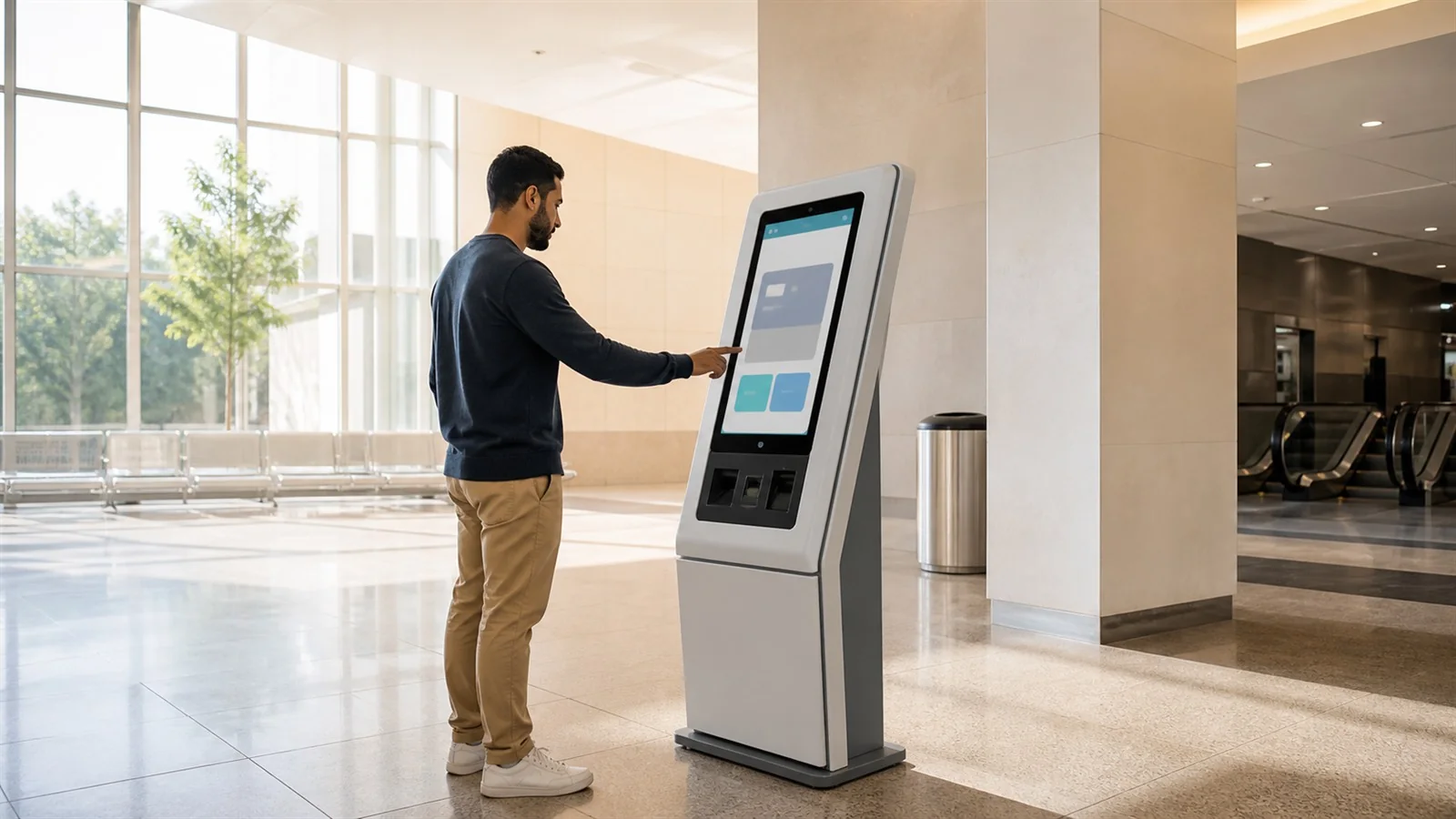
Information & presentation
Run images, video, slides, announcements and text for entrances, halls, visitor centers and service areas.
Public interaction kiosk platform
Design, publish and operate information displays, guided service journeys and AI-assisted guidance from one platform—with multilingual content, offline continuity and safe mobile handoff.
Welcome
Slides, video, announcements and directories.
Structured choices, service guidance and assessments.
Bounded answers by voice or private text where configured.
One platform, three experience modes
Use each mode on its own or combine them in the same visitor journey. Content, languages, branding and runtime policies remain centrally managed.
Run images, video, slides, announcements and text for entrances, halls, visitor centers and service areas.
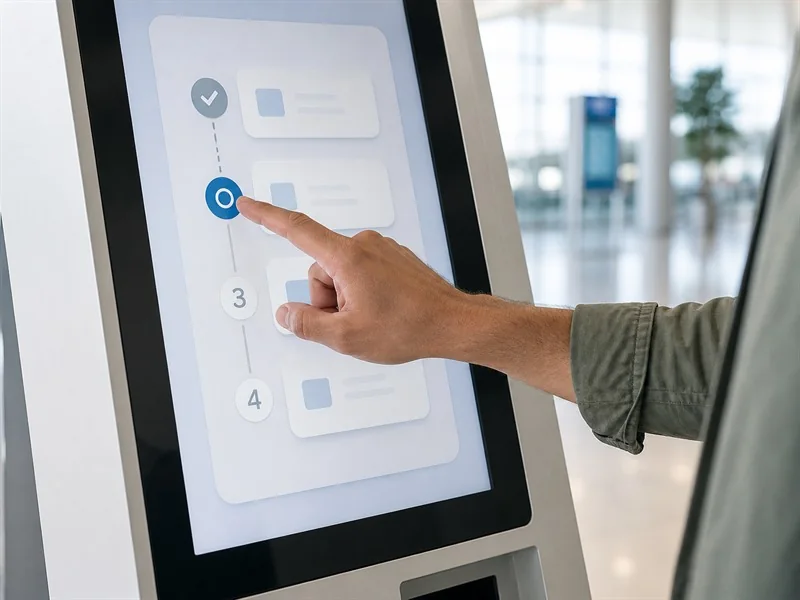
Turn complex service choices into clear steps, questionnaires, wayfinding and next actions.
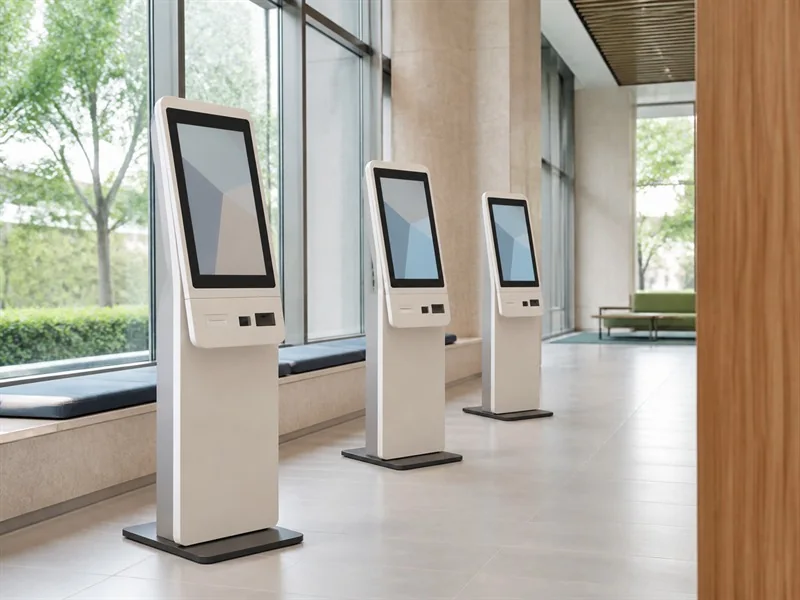
Add AI-assisted guidance, multilingual voice and private text while actions remain controlled by the configured experience.
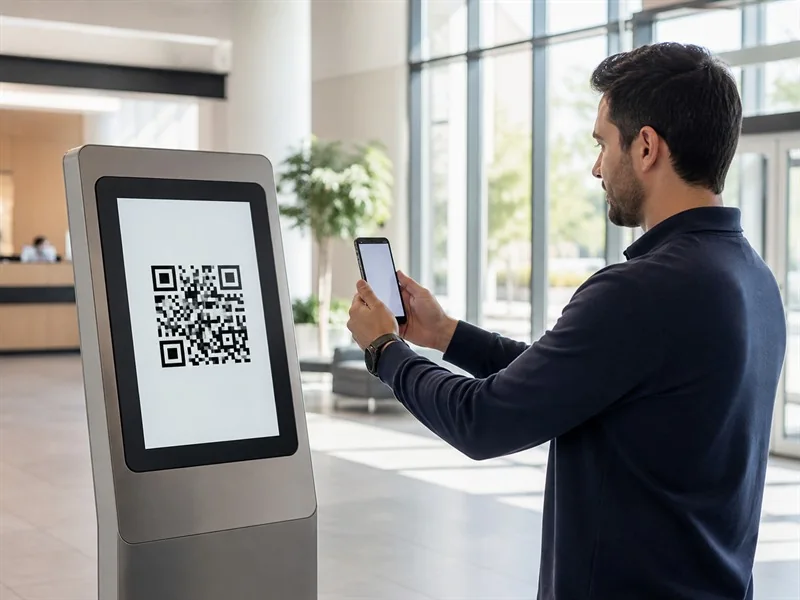
Offer QR, contact options or configured Qanivo-backed channels when the next step belongs on the visitor’s phone. Niosk manages the kiosk-side handoff; Qanivo manages any external channel conversation.
Deployment scenes are illustrative. Interface previews show Niosk-supported experience and operating concepts.
Build, publish and operate
Bring authoring, review, publishing and day-to-day operation together so every location runs the intended experience.
Arrange information, decisions, media, AI assistance and handoff into a guided experience your team can review.
Run clear checks for content, links, media and next steps before publishing an approved version to the intended locations.
All checks passed. Ready to assign.
See what is active, understand device status and update experiences centrally while each location keeps a known valid version available.
See how Niosk can fit your location, audience and operating model.
Why teams choose Niosk
Give visitors a simpler path while your team manages content, releases and day-to-day operation from one platform.
Adapt flows, media, language, branding and handoff without rebuilding the whole application.
Create localized interfaces and support voice or private text where those capabilities are configured.
Core content and deterministic journeys can continue from validated local configuration during disruption.
Timeout, reset, sanitized errors and protected operating boundaries are designed for unattended environments.
Move the visitor to QR, contact or Qanivo-backed channels without claiming ownership of the destination journey.
Understand configuration, device and interaction signals without exposing visitor-sensitive content by default.
Built for public-facing environments
The experience changes by organization and location; the underlying publishing, runtime and operating model stays consistent.
Guide visitors to information, requirements and the right next service step.
Present educational media, guided questions and safe follow-up options.
Combine destination information, directions, languages and mobile continuation.
Simplify product guidance, branch support and service selection.
Support campus information, admissions guidance, orientation and awareness content.
Explain routes, facilities, passenger information and next actions.
Value across the organization
Launch multiple public-facing journeys without commissioning a separate application for each use case.
Publish centrally, understand device and configuration state, and recover to known valid versions.
Keep access, data, public-device and handoff boundaries explicit and auditable.
Tailored product walkthrough
Tell us where the experience will run and what visitors need to accomplish. We will shape the walkthrough around the relevant Niosk capabilities.
Required fields are marked with an asterisk.